
Tailor Your Brand Space with Custom Navigation
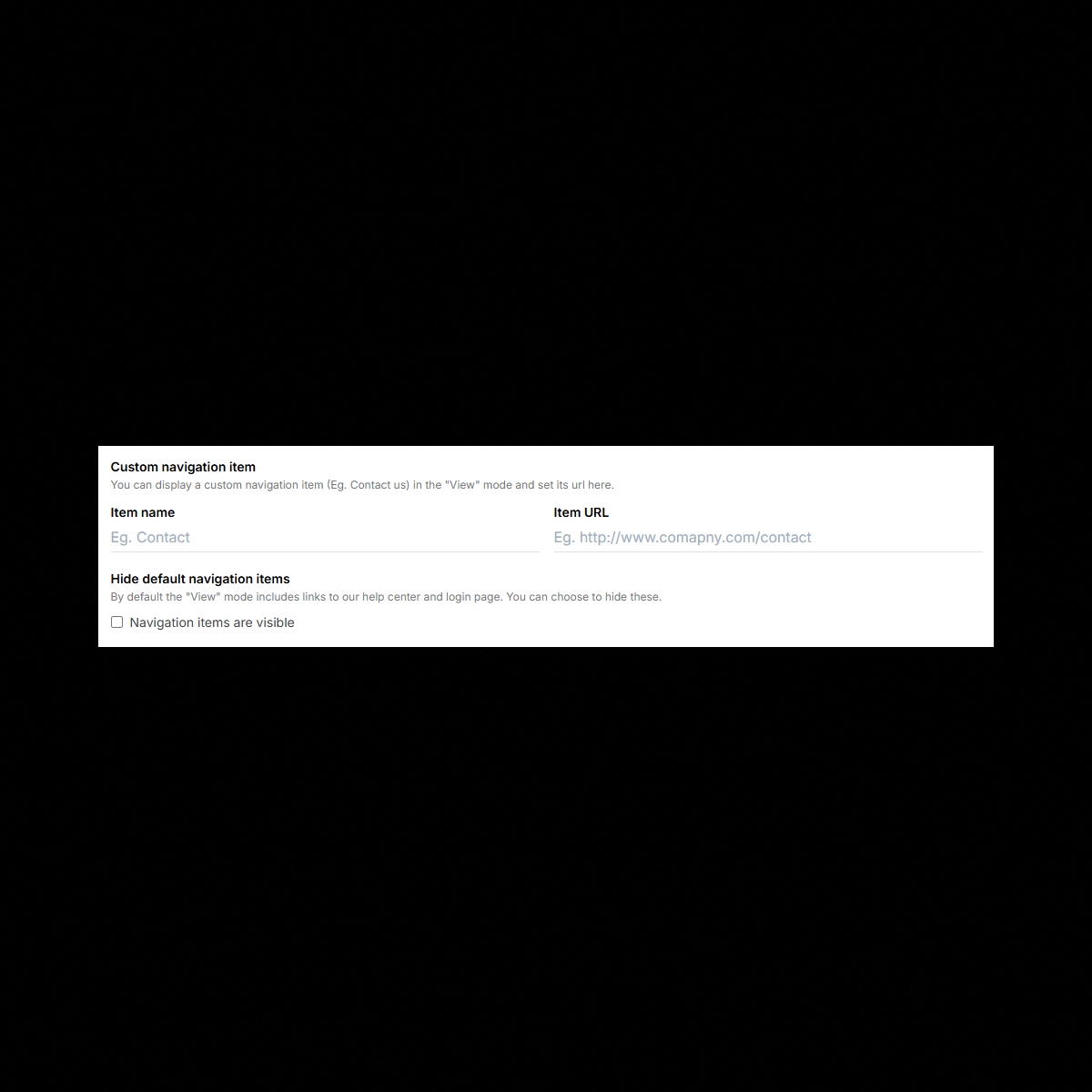
Brandy’s Custom Navigation feature lets you personalize the navigation within your brand spaces to match your workflows, branding, and user needs. Add, reorder, or rename navigation links to streamline access to key sections, assets, or external resources. Whether you’re curating client brand spaces or building internal hubs, Custom Navigation ensures your brand space is efficient, user-friendly, and perfectly aligned with your goals.
The Benefits
Unlock the full benefits of this feature.
01
Fully Customizable Menus
Create navigation menus that match your workflow by adding, renaming, and reordering links for seamless navigation.
02
Streamline Access to Key Sections
Direct users to the most important sections, collections, or assets, saving time and improving team productivity.
03
Integrate External Resources
Add external links (e.g., websites, tools, or documents) directly to your navigation to create a centralized hub for your team or clients.
The Impact
Create a Seamless and Personalized User Experience
With Brandy’s Custom Navigation, you can tailor your brand spaces to enhance usability, streamline workflows, and reflect your brand’s unique needs.
Common Use Cases
Brands
Personalize navigation to prioritize access to essential sections like logos, guidelines, and color palettes for internal teams.
Agencies
Customize client-facing brand spaces with tailored navigation that aligns with their project needs and priorities.
Marketing Teams
Streamline access to campaign visuals, assets, and external resources by organizing navigation for quick access.
Enterprises
Build organized, department-specific navigation structures for global teams, improving efficiency and access to resources.
Why Brandy?
Brandy’s Custom Navigation feature gives you the power to organize and tailor the user experience of your brand spaces. Create clean, efficient, and intuitive navigation menus that streamline workflows, enhance usability, and reflect your brand’s priorities.
Tailored to Your Workflow
Build navigation menus that align with your team’s processes, making it easy to access key sections and resources.
Create and Organize Links
Create, rename, or reorder navigation links to ensure a logical and user-friendly experience.
Integrate Tools and Resources
Include external links to tools, documents, or websites, centralizing everything your team or clients need in one place.
Perfect for Agencies and Enterprises
Create client-ready, fully customized navigation menus that showcase a polished, organized, and branded experience.